Installation Guide
HV Replication Monitor Installation Guide
Your solution for monitoring your Hyper-V Replica Environment
Step 1
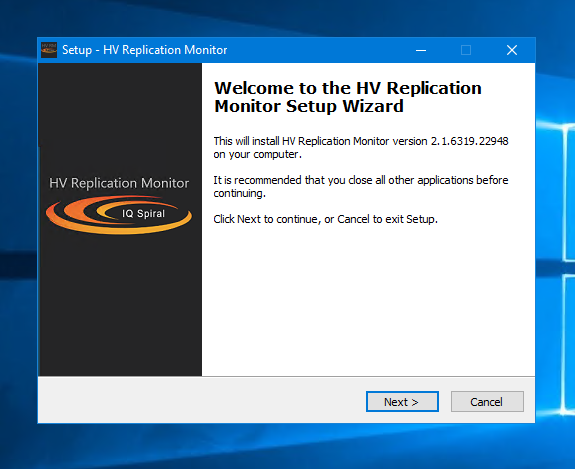
Upon successful purchase and download, copy the IQSHVRMSetup.exe file to your Windows Server (2012 R2, 2016, 2019, 2022 or 2025; 64-bit, with .NET Framework 4.8). Double-click the executable.
Step 2
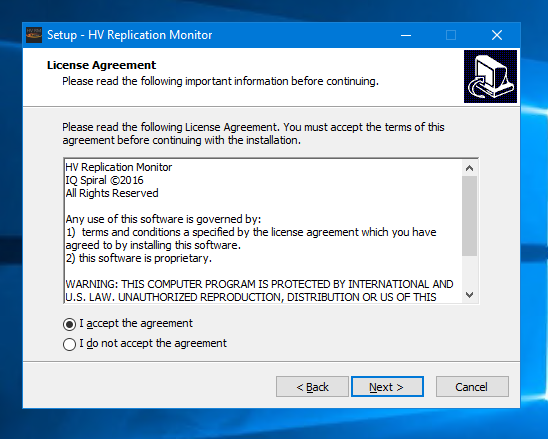
Accept the license agreement.
Step 3
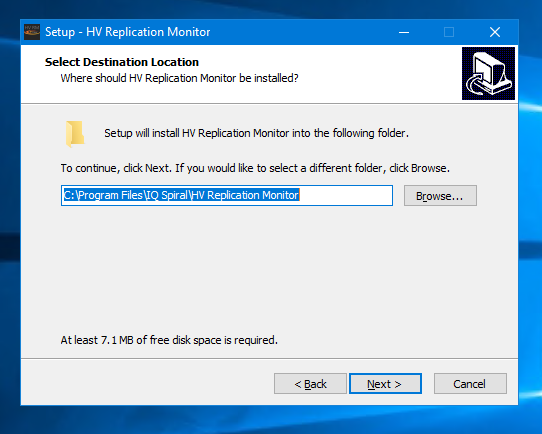
Choose your desired installation location. (Default recommended)
Step 4
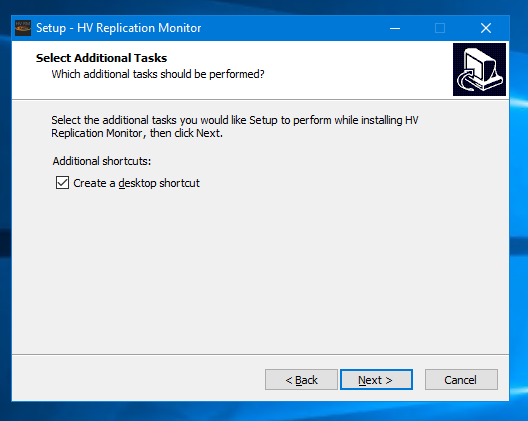
Optionally, create a desktop shortcut.
Step 5
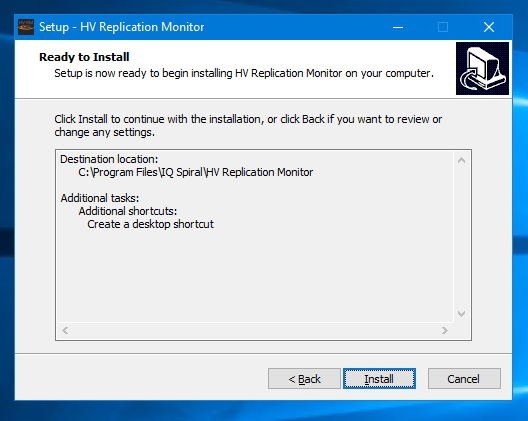
Review your choices and select 'Install'.
Step 6
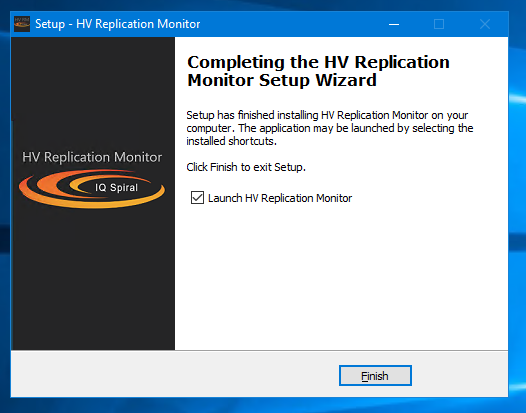
HV Replication Monitor is now installed. Click 'Finish' to launch the configuration console.